A shared route library
Routes, collections and practical details stay with the club, even after their original author leaves.
 Vistavel
Group outings · clubs · associations
Gather your organisation’s routes and prepare each outing in a shared space. Organisers manage the details; members find published routes and choose their next outing.
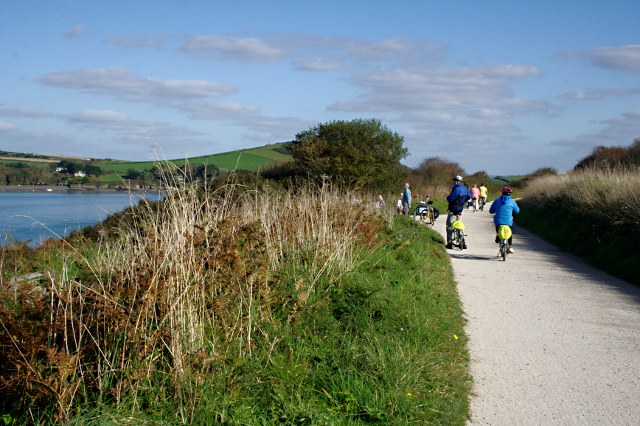
Routes, collections and practical details stay with the club, even after their original author leaves.
Plan a single outing or a weekly or monthly series, with a meeting point and routes for each pace group.
Members choose their pace group. A waiting list takes over when its places are full.
Add a route prepared in Vistavel or a GPX track, then complete its details. Filters can combine activity, distance, elevation gain, recorded duration and season.
Set the date, times, meeting point and available places. Organise participants into pace groups A, B and C within the club outing, each with its own route and leader. Members can register, answer Maybe or say they are not coming. A private iCal subscription lets them view the calendar in a compatible application.
Add your logo, activities and organisation type. A public club can display its page after approval and choose to appear in the directory with a public location. Private clubs have a dedicated invitation and membership process.
Open Groups and clubs in your account, or find an organisation in the directory.
Authorised organisers add routes, review their details and publish them for members.
Schedule the outing, assign routes to pace groups and let each member choose how to take part.
The owner, administrators and active outing leaders have the relevant management features. Other members can view published routes and register for outings they can access.
The next registration joins that pace group’s waiting list. When a place becomes available, the first person waiting is moved forward automatically.
No. Visibility depends on the club type and publication status. A directory location requires a separate choice and confirmation. Club libraries remain subject to member access rights.
Find your clubs or start creating your organisation from your account.